Problems at the table
Paper always works. Play on and write it down.
Phones
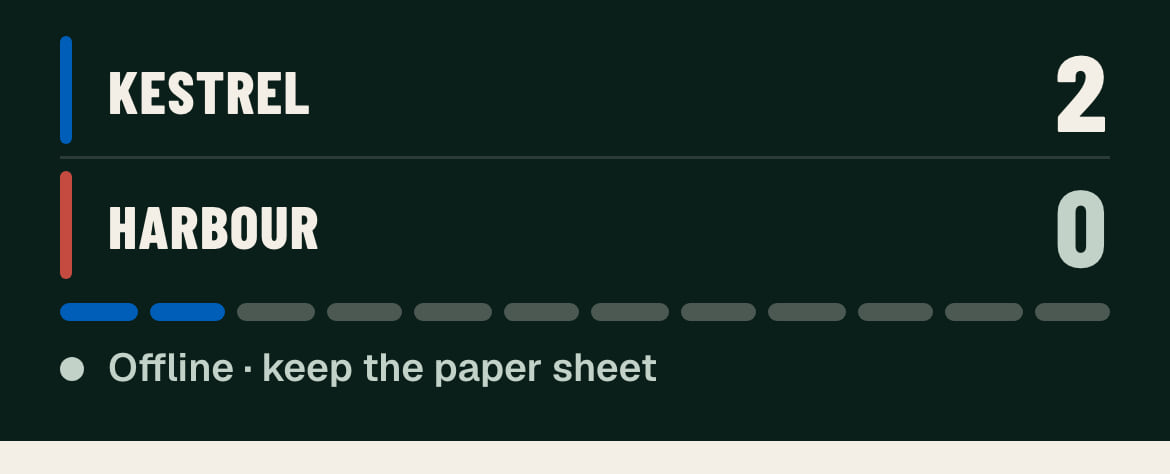
It says Offline or Reconnecting
- Stop tapping. Keep playing.
- Write each result on the paper sheet.
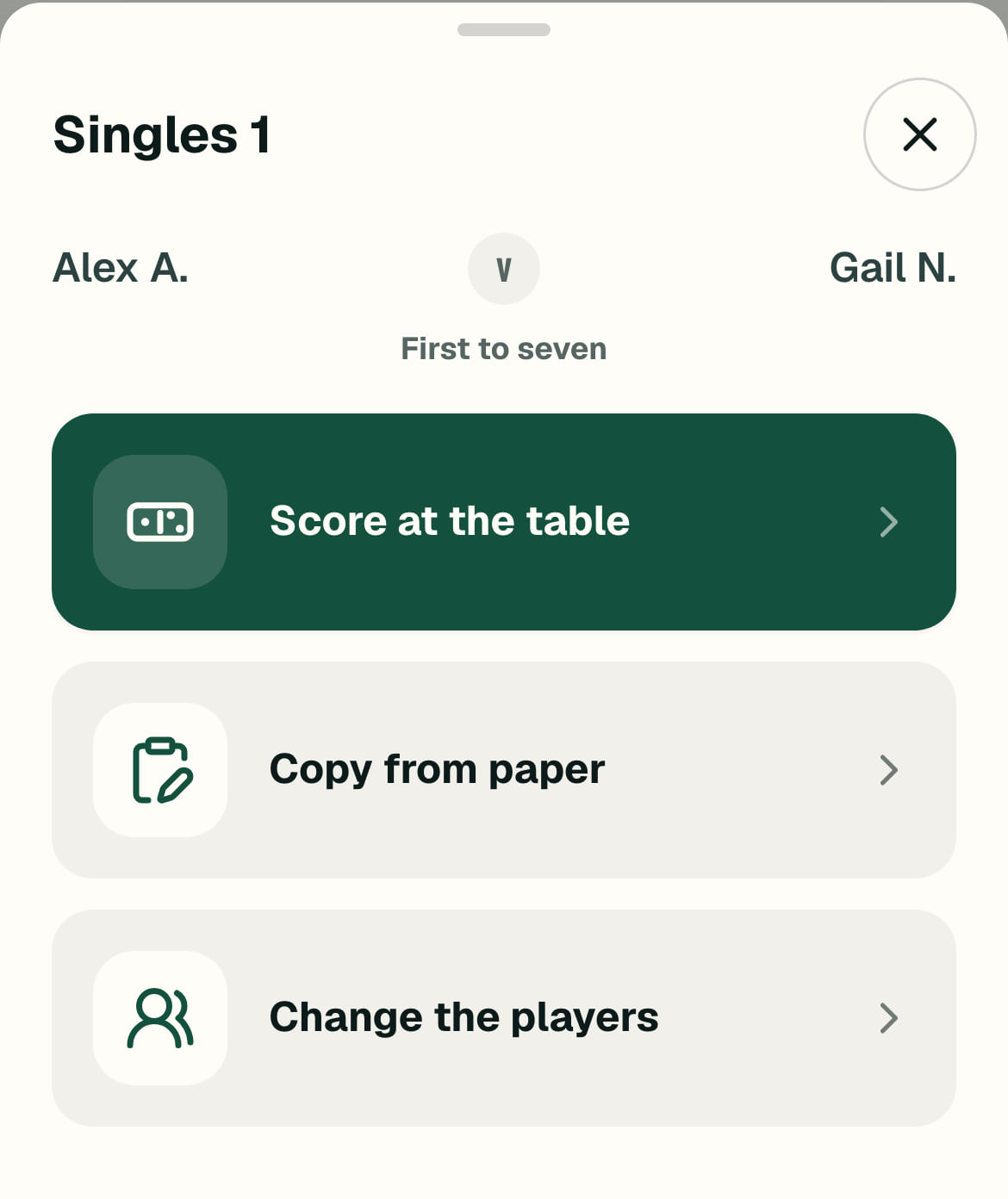
- When the line goes, tap the match and choose Copy from paper.
Updates paused? Tap Resume updates.
A phone has died mid-match
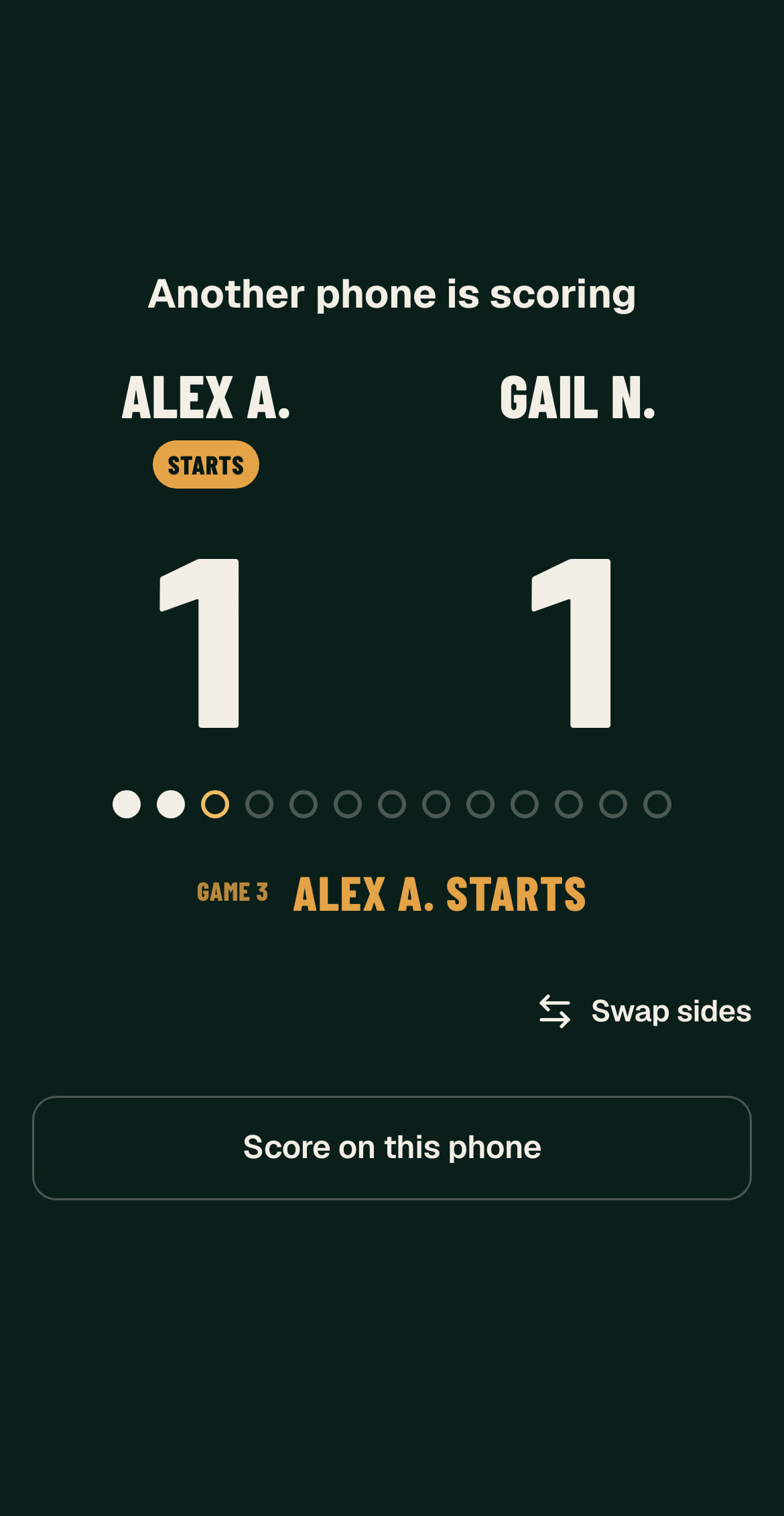
- On another phone, sign in and open the fixture.
- Tap the match, then Open the table scorer.
- Tap Score on this phone. The score so far is still there.
Button not there yet? Give it a minute.
It says Sign in to keep scoring
Tap it and sign in again. Nothing saved is lost. Keep the scores on paper until you’re back in.
Can’t sign in? Ask an organiser, and stay on paper.
I can’t see my fixture
Check you’re signed in, then tap League. Your fixture shows under Tonight on its night. Still not there? Ask an organiser, and play on paper.
Only one captain has a phone
One phone can do both sides. Write your lineup and tap Lock. Pass the phone across, and the other captain taps I’m the … captain and does theirs.
Players
A player is late or can’t play
- Tap a match that hasn’t started.
- Tap Change the players.
- Tap the new name, then Save.
A player can play more than one match. ×1 beside a name shows they’re already in another.
We’re short of players
- Tap the players you have, in order.
- Tap Short team?, then Yes, we have …
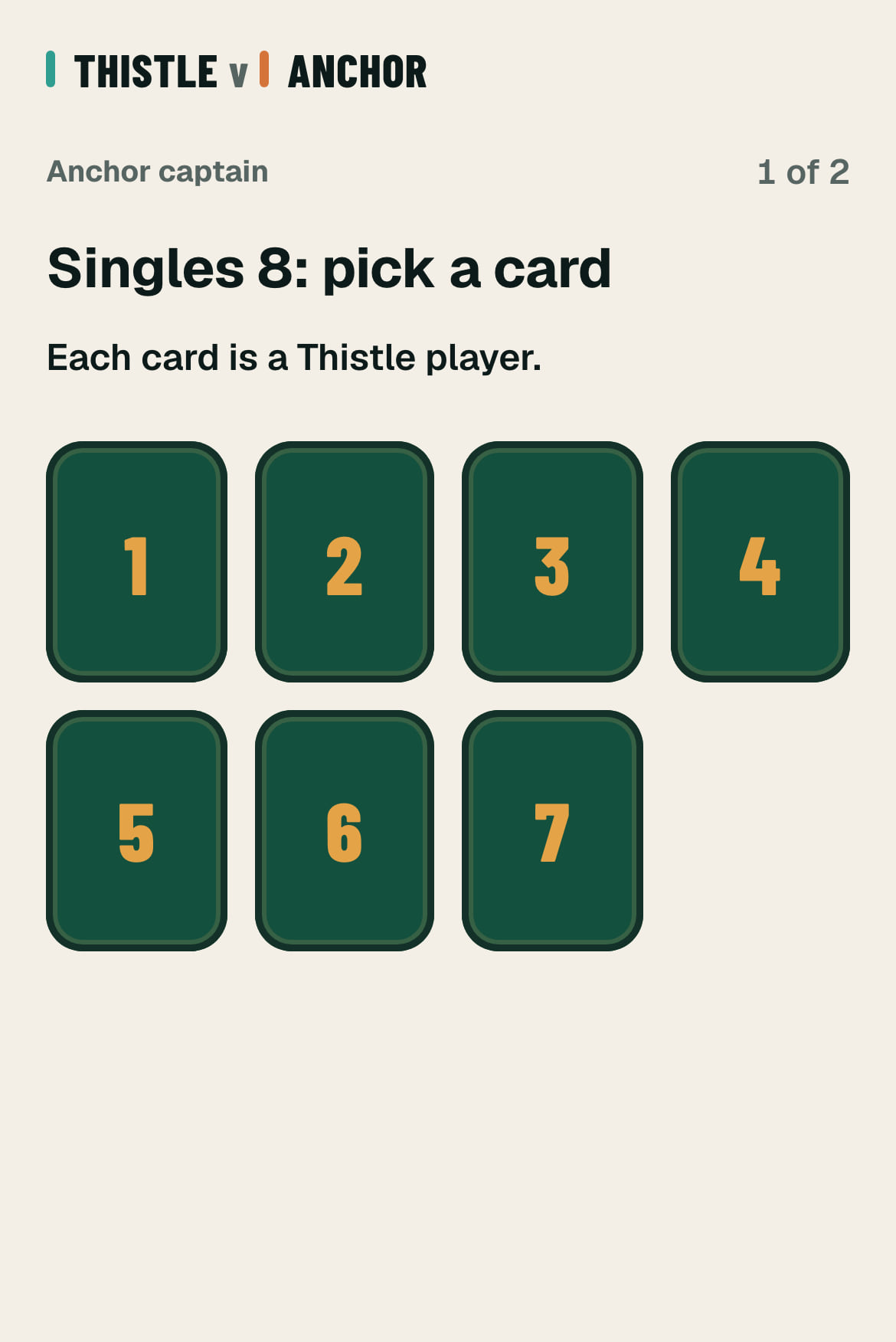
- The other captain turns a face-down card for each empty place. Each card is one of your players, who plays again.
I locked the wrong lineup
The other team hasn’t locked: tap Change … lineup under the waiting line.
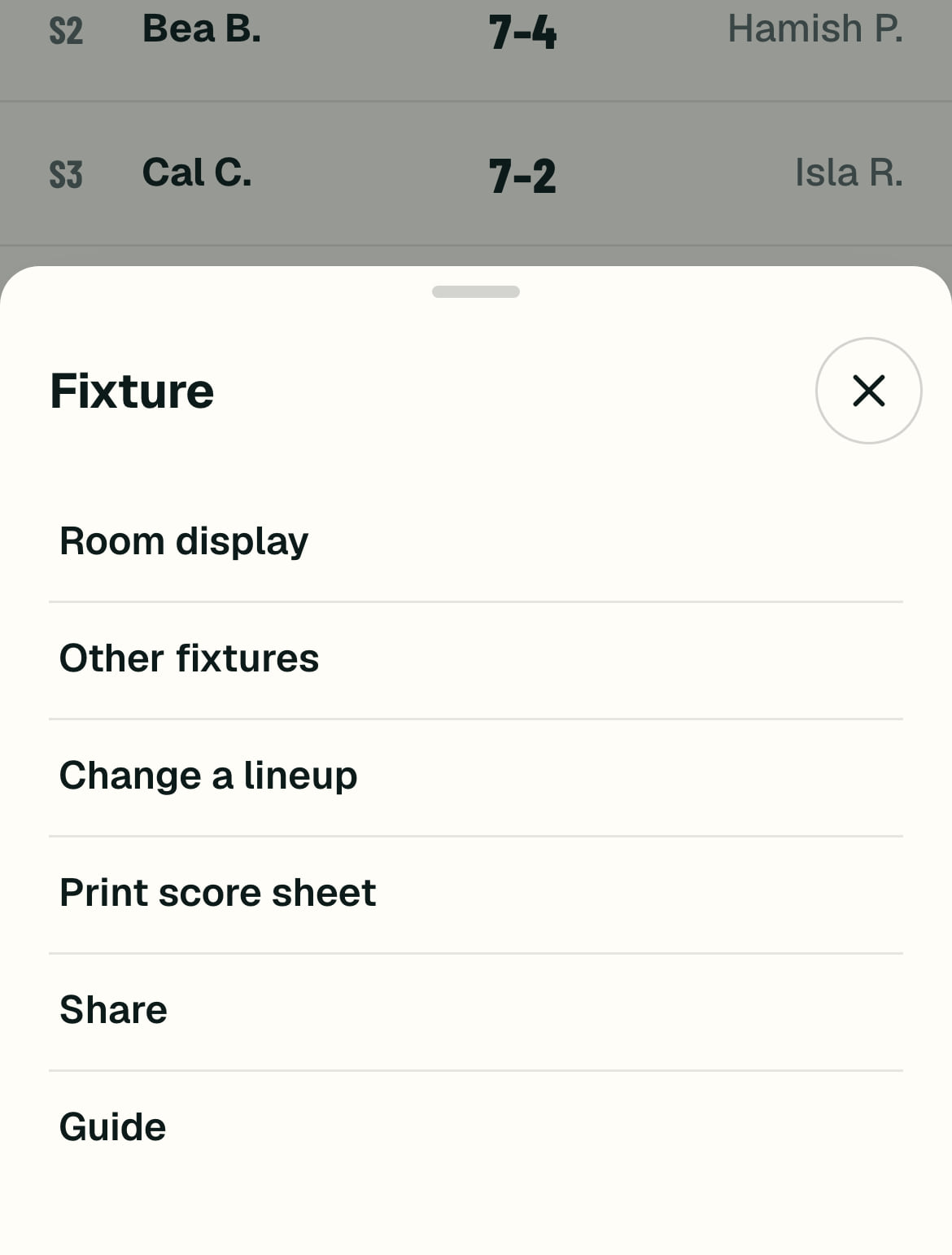
Both have locked: tap Change a lineup. Once scoring has started it moves to the … menu at the top right. Matches already started stay as they are.
We haven’t decided the doubles yet
On the doubles step, tap Doubles at the break? and lock your singles. At the break, tap Set doubles on the sheet, make your pairs and lock them. Then tap Finish the change.
Scores
I tapped the wrong winner
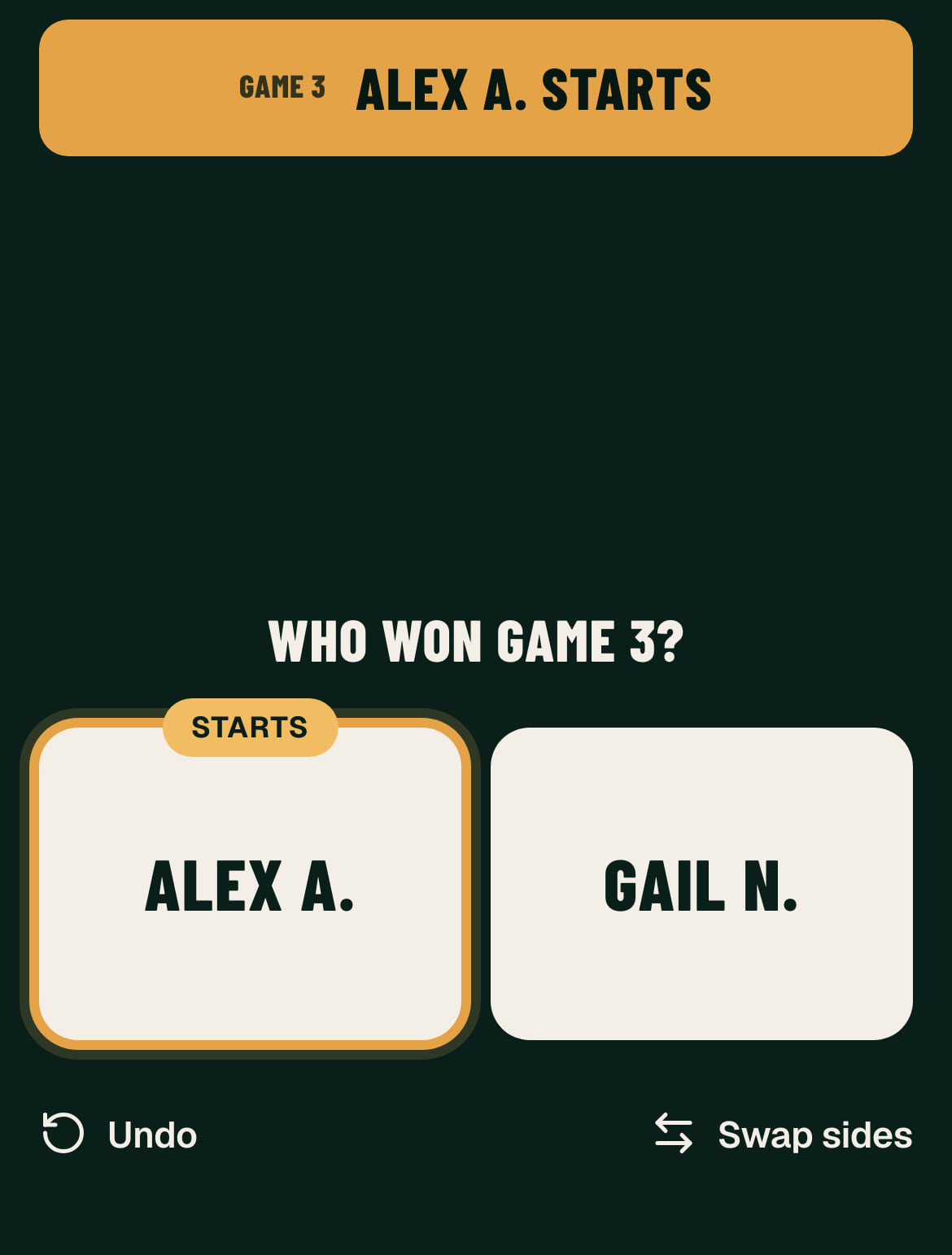
Tap Undo at the bottom left, straight away. It takes back the last game. If that tap finished the match, see A saved score is wrong.
A saved score is wrong
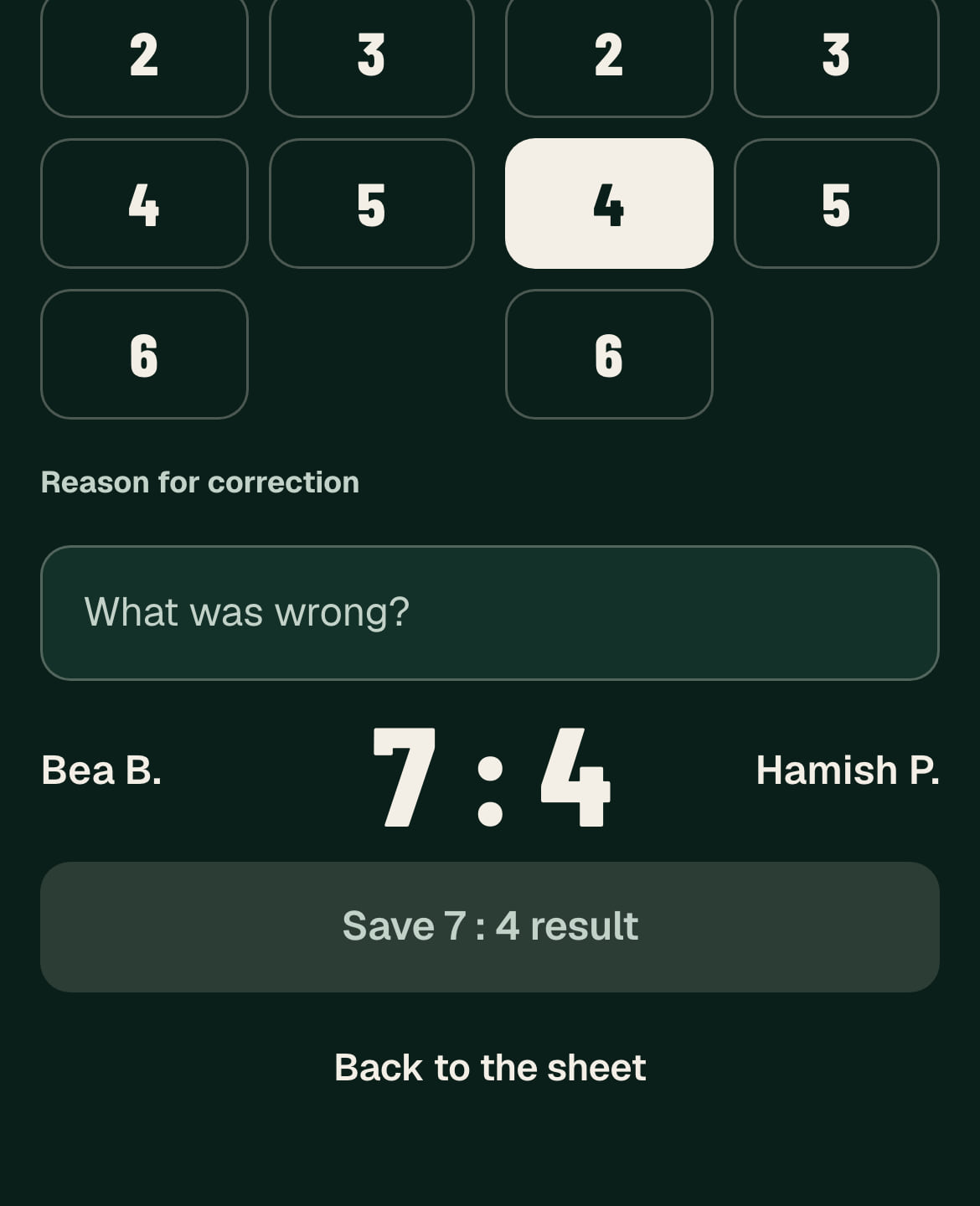
- Tap the match on the sheet.
- Tap the right scores.
- Say what was wrong and tap Save.
Scored at the table? Tap Undo final game, say what was wrong and tap Confirm undo. Keep tapping Undo back to the wrong game, then tap the winners again.
Either team’s captain or assistant can do this until the fixture finishes. After that, ask an organiser.
Two phones saved different scores
The first save stands. If Doms offers both, check the paper and tap Keep on the right one.
If it says This match changed on another phone, go back to the sheet and check that match against the paper. Wrong? Tap the match and correct it.
The fixture finished with a mistake
Ask an organiser. They reopen it, give a reason, correct the match and finish it again.
Paper
We played the whole night on paper
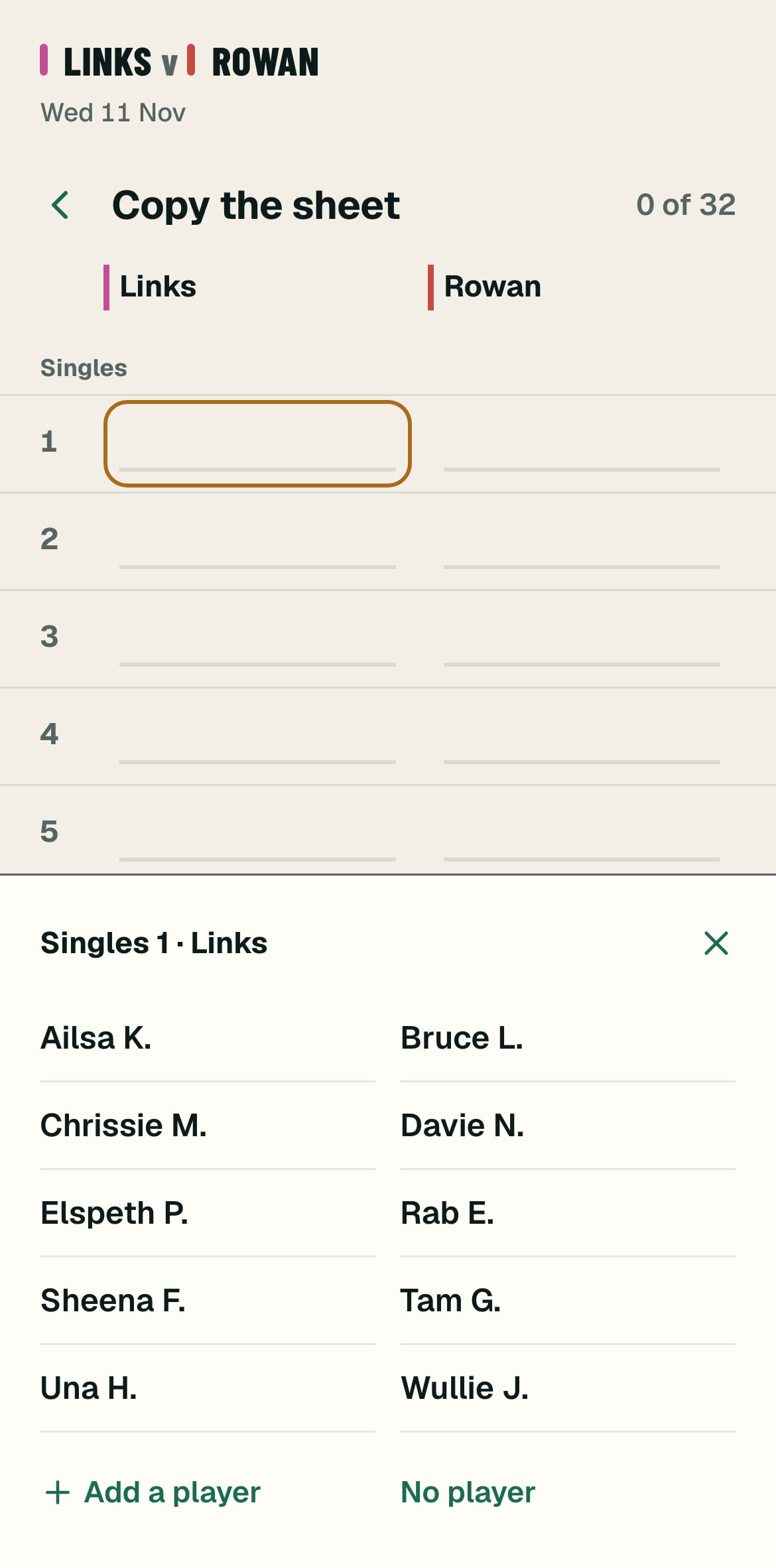
- Open the fixture and tap Done on paper? Copy the sheet. It’s also in the … menu.
- Tap each name as it is on the paper, one team at a time. A name can repeat.
- Save it, then copy in each score.
This clears both lineups. It works the same the next day.